
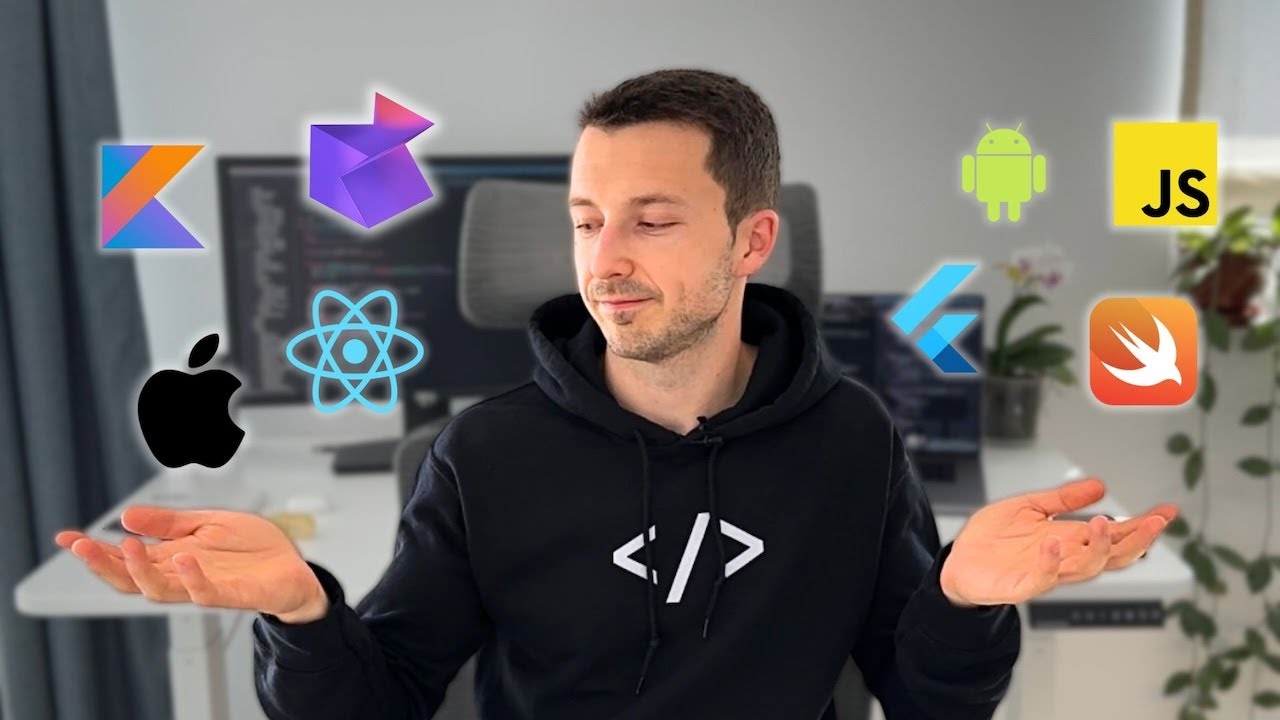
🚀 Building a Mobile App in 2025: The BEST Technologies
(A Comprehensive Guide to Choosing the Right Tech Stack for App Development!)
TL;DR:
📖 Time saved: Over 13 minutes of content summarized into an actionable guide.
🎯 What you achieve: Learn the latest app development technologies for 2025, including Native (Swift, Kotlin), Cross-Platform (React Native, Flutter, Kotlin Multiplatform), and the best tools for optimizing your workflow.
🔥 Native vs. Cross-Platform Development in 2025
✅ Native apps – Best for performance, stability, and full access to platform-specific features.
✅ Cross-platform apps – Faster development with shared codebases for iOS and Android.
✅ Hybrid approaches – Combining native UI with cross-platform business logic for efficiency.
📌 Key takeaway: Understanding these technologies helps developers choose the best approach based on their goals, project requirements, and career aspirations.
📌 Step 1: Native Development (iOS & Android)
✅ Why this works: Native apps provide the best performance and integration with platform-specific features.
✅ Your job: Master Swift (iOS) or Kotlin (Android) for full control over your app.
💡 Deep Dive into Native Development:
✔️ Swift (iOS) – A modern, safe, and fast language introduced by Apple in 2014.
✔️ Kotlin (Android) – A powerful alternative to Java with cleaner syntax and better safety.
✔️ Frameworks: Swift UI (iOS), Jetpack Compose (Android) – Declarative UI development for efficient, modern UI design.
📌 Example: Using Swift UI instead of UIKit reduces the amount of UI code needed for iOS apps.
📌 Step 2: Cross-Platform Development Options
✅ Why this works: Write one codebase, deploy on multiple platforms, and reduce development time.
✅ Your job: Choose the best framework for your needs—React Native, Flutter, or Kotlin Multiplatform.
💡 Best Cross-Platform Frameworks in 2025:
✔️ React Native – JavaScript-based, developed by Facebook, uses a “Bridge” to render native components.
✔️ Flutter – Google’s UI toolkit using Dart, with its own rendering engine (Skia) for smooth UI performance.
✔️ Kotlin Multiplatform – Focuses on shared business logic while keeping platform-native UI.
📌 Example: Flutter’s rendering engine allows it to maintain consistent UI across iOS and Android, unlike React Native, which relies on platform-native components.
📌 Step 3: Choosing the Right UI Framework
✅ Why this works: UI frameworks dictate the speed and ease of designing mobile app interfaces.
✅ Your job: Pick between declarative UI frameworks (Swift UI, Jetpack Compose, Flutter) for efficiency.
💡 How UI Frameworks Affect Performance:
✔️ Swift UI (iOS) – Declarative UI framework with live previews, reducing UI development time.
✔️ Jetpack Compose (Android) – Kotlin-based, replacing XML-based layouts for a modern development experience.
✔️ Flutter Widgets – Prebuilt UI components for a highly customizable design across platforms.
📌 Example: A React Native app with JSX components feels more like a website, while a Flutter app with Skia rendering maintains a more native feel.
📌 Step 4: Choosing the Best Development Tools
✅ Why this works: The right tools increase efficiency, debugging speed, and overall productivity.
✅ Your job: Use the best IDEs, debugging tools, and automation solutions for your chosen framework.
💡 Best Developer Tools for 2025:
✔️ Xcode (iOS) – Apple’s IDE for Swift and Swift UI development.
✔️ Android Studio – Optimized for Kotlin and Jetpack Compose.
✔️ Visual Studio Code – Ideal for React Native and Flutter projects.
✔️ Expo (React Native) – Simplifies development with cloud-based builds.
✔️ Dart DevTools (Flutter) – Offers performance monitoring and debugging tools.
📌 Example: Using Expo, you can build and test a React Native app without installing Xcode or Android Studio.
📌 Step 5: Understanding the Role of AI in Mobile Development
✅ Why this works: AI is revolutionizing app development by automating code generation, debugging, and UI/UX design.
✅ Your job: Leverage AI-powered tools to speed up development and improve app performance.
💡 How AI is Changing App Development:
✔️ GitHub Copilot – AI-powered code suggestions for faster development.
✔️ ChatGPT for Code Review – AI-powered debugging and documentation generation.
✔️ Runway ML – AI-driven UI design and component generation.
📌 Example: Using AI-generated UI templates reduces development time by 40%.
📌 Step 6: Choosing the Best Tech Stack for Your Project
✅ Why this works: Each project has different needs—some require high performance, while others prioritize speed.
✅ Your job: Match the right framework with your app’s goals.
💡 Best Technologies Based on Project Type:
✔️ For high-performance apps (games, fintech) → Native (Swift/Kotlin).
✔️ For startups and MVPs → Flutter (fast UI development) or React Native.
✔️ For complex business logic and scalability → Kotlin Multiplatform.
📌 Example: A fintech app with real-time processing will benefit from Kotlin’s robust architecture and Jetpack Compose UI.
🔥 Conclusion: Your Mobile App Development Roadmap for 2025
🚀 Step 1: Decide between Native (Swift/Kotlin) or Cross-Platform (React Native/Flutter).
🚀 Step 2: Choose a UI framework (Swift UI, Jetpack Compose, Flutter Widgets).
🚀 Step 3: Select the right tools (Xcode, Android Studio, VS Code, Expo).
🚀 Step 4: Leverage AI tools for faster development and debugging.
🚀 Step 5: Optimize your tech stack based on your project’s needs.
👉 Want to start today? Pick a framework and begin building your first app!
👉 Need expert guidance? Watch the full tutorial for step-by-step instructions.
📌 Commands
• 📖 [L] Expand summary
• 📝 [A] Write an educational article
• 🖼 [D] Create a conclusion diagram
• 🎯 [T] Take a quiz on the video
• ⏳ [I] Indicate timestamps
• 🤖 [AI] Implement AI in your business
Let me know how I can assist you next! 🚀