
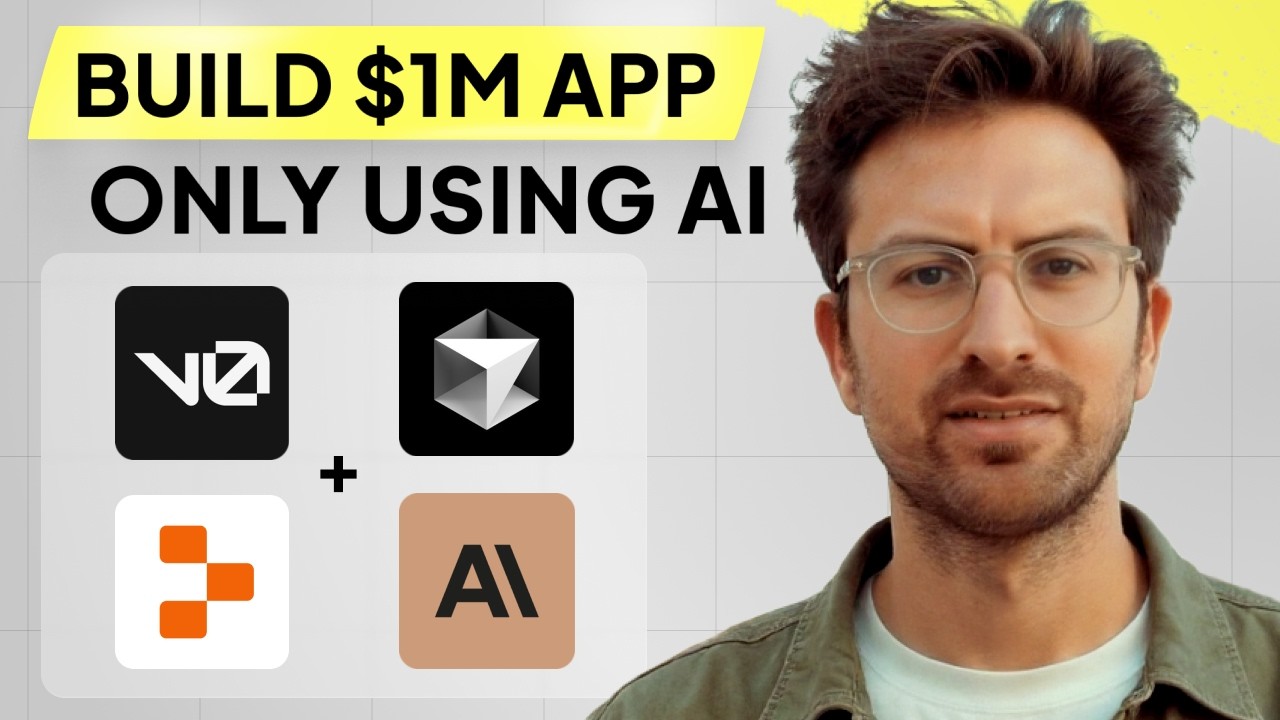
🚀 I Can’t Believe We Coded an App with AI in 67 Minutes!
(How AI-Powered Development is Changing the Game for Startups & Developers)
TL;DR:
📖 Time saved: Over 67 minutes of content summarized into an actionable guide.
🎯 What you achieve: Learn how to use AI tools like Cursor AI, Replit, Claude AI, and V0 to build a fully functional app in just over an hour—even with no prior coding experience.
🔥 Why AI-Powered App Development is a Game-Changer
✅ Drastically reduces coding time – Build a working prototype in minutes instead of weeks.
✅ Accessible to non-coders – AI guides the process and fixes errors automatically.
✅ Innovative development tools – Platforms like V0, Cursor AI, and Replit make it easier than ever to create apps.
📌 Key takeaway: With AI, even beginners can create and deploy complex applications with ease.
📌 Step 1: Understanding the AI Coding Ecosystem
✅ Why this works: AI-powered coding tools help generate and refine code in real time.
✅ Your job: Select the best AI tools for your project.
💡 Overview of AI Coding Tools:
✔️ Cursor AI – AI-driven coding assistant that improves code quality and helps debug.
✔️ Replit – Online coding platform for rapid testing and deployment.
✔️ Claude AI – AI-powered assistant for coding guidance.
✔️ V0 (Next.js frontend builder) – No-code UI design with AI-assisted changes.
📌 Example: Using Cursor AI, developers can build front-end designs without writing code manually.
📌 Step 2: Choosing a Project Idea & Setting Up Development
✅ Why this works: A clear idea helps streamline the development process.
✅ Your job: Define the purpose of your app and set up the tools.
💡 How to Start a New AI-Powered Project:
✔️ Identify a problem your app will solve.
✔️ Use V0 to design the UI without writing manual HTML/CSS.
✔️ Integrate Cursor AI to generate backend logic automatically.
📌 Example: Building an app that extracts startup ideas from YouTube transcripts and formats them into business presentations.
📌 Step 3: AI-Powered UI Design with V0
✅ Why this works: V0 allows for no-code UI creation with AI enhancements.
✅ Your job: Use AI to generate and refine the app’s design.
💡 Using V0 for Rapid UI Development:
✔️ Use AI to generate and modify UI elements dynamically.
✔️ Make real-time adjustments based on user feedback.
✔️ Experiment with animations, color themes, and component layouts.
📌 Example: Creating an interactive pitch deck with animated cards using AI-driven UI design.
📌 Step 4: AI-Driven Backend Development with Cursor AI & Replit
✅ Why this works: AI generates, tests, and refines code to minimize errors.
✅ Your job: Train AI to handle backend logic and API integration.
💡 Connecting AI with Backend Infrastructure:
✔️ Use Cursor AI to automatically generate backend code.
✔️ Deploy on Replit for quick prototyping and testing.
✔️ Integrate AI APIs for added functionalities (e.g., OpenAI, Anthropic).
📌 Example: Using AI to generate a chatbot that evaluates startup ideas in real time.
📌 Step 5: Adding Interactive Features & User Inputs
✅ Why this works: Enhancing interactivity improves user engagement.
✅ Your job: Develop a voting system using AI-powered drag-and-drop functionality.
💡 Creating an Interactive App Interface:
✔️ Add a swipe feature for users to approve or reject startup ideas.
✔️ Customize UI elements dynamically with AI-driven adjustments.
✔️ Ensure real-time feedback is displayed based on user actions.
📌 Example: Building a Tinder-style voting system for startup ideas with real-time animations.
📌 Step 6: Deploying the AI-Powered App
✅ Why this works: Replit and Next.js make deployment seamless.
✅ Your job: Host and test your app for a live audience.
💡 How to Deploy an AI-Powered App:
✔️ Use Replit for cloud hosting and easy access.
✔️ Buy a domain name for branding and professionalism.
✔️ Optimize for scalability by integrating AI-powered error handling.
📌 Example: Launching a public version of the startup evaluation app in under two hours.
📌 Step 7: Troubleshooting AI Errors & Debugging
✅ Why this works: Debugging efficiently ensures long-term app stability.
✅ Your job: Use AI error logging and prompt engineering for faster fixes.
💡 How to Debug AI-Generated Code:
✔️ Use AI-generated error logs to identify issues.
✔️ Apply prompt engineering to refine AI responses.
✔️ Test and iterate rapidly to minimize downtime.
📌 Example: Using AI to auto-fix an OpenAI API error without manual intervention.
🔥 Conclusion: Your AI-Powered Development Blueprint
🚀 Step 1: Choose AI tools like Cursor AI, Replit, and V0 for development.
🚀 Step 2: Use AI to design UI and backend logic efficiently.
🚀 Step 3: Automate testing and deployment for rapid iteration.
🚀 Step 4: Debug and optimize AI-generated code for a seamless experience.
🚀 Step 5: Scale your app by refining features and user engagement.
👉 Want to build your own AI-powered app? Start today using Cursor AI & Replit!
👉 Need expert guidance? Watch the full tutorial for step-by-step instructions.
📌 Commands
• 📖 [L] Expand summary
• 📝 [A] Write an educational article
• 🖼 [D] Create a conclusion diagram
• 🎯 [T] Take a quiz on this video
• ⏳ [I] Indicate timestamps
Let me know how I can assist you next! 🚀