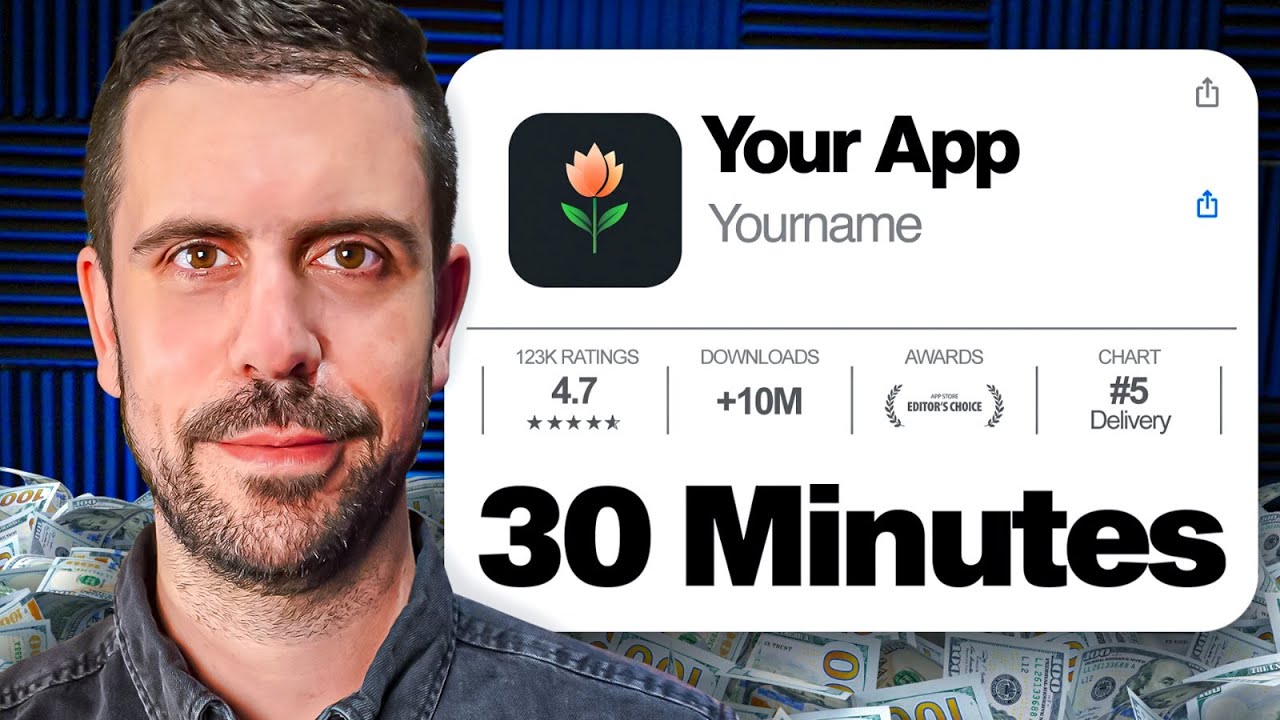
🚀 The EASIEST Way to Build Your Mobile App in 30 Minutes (No Code!)
(A Step-by-Step Guide to Creating and Launching an App Without Coding)
TL;DR:
📖 Time saved: Over 16 minutes of content summarized into an easy-to-follow guide.
🎯 What you achieve: Learn how to build a professional mobile app in 30 minutes using the no-code platform GoodBarber, customize it, and launch it on the App Store or Google Play.
🔥 Why No-Code App Development is a Game-Changer
✅ No coding required – Anyone can build an app with drag-and-drop tools.
✅ Fast development – Create and launch an app within 30 minutes.
✅ Full control – Design, customize, and manage your app without hiring developers.
📌 Key takeaway: With platforms like GoodBarber, you can build an e-commerce, membership, or local business app easily and monetize it instantly.
📌 Step 1: Choosing the Right No-Code App Builder
✅ Why this works: Not all no-code platforms are the same—GoodBarber is designed for powerful app creation with simplicity.
✅ Your job: Sign up and start building immediately.
💡 Why GoodBarber is the Best No-Code Platform:
✔️ Focused on mobile app building with iOS & Android support.
✔️ Includes marketing, monetization, and analytics features.
✔️ Over 190 plugins and third-party API integrations.
📌 Example: Build a full-featured app without needing a software engineer.
📌 Step 2: Selecting Your App Type & Template
✅ Why this works: Templates save time and provide professional-looking designs.
✅ Your job: Choose the best template based on your app’s purpose.
💡 Exploring GoodBarber’s Pre-Built Templates:
✔️ Options include e-commerce, local delivery, online courses, restaurants, and more.
✔️ Customize each template to match your branding.
✔️ Use drag-and-drop tools to modify navigation, pages, and features.
📌 Example: A flower shop app where users can order online and pick up in-store.
📌 Step 3: Customizing the App’s Appearance
✅ Why this works: A unique design enhances user experience and brand identity.
✅ Your job: Modify colors, fonts, icons, and layouts.
💡 Adjusting the App’s Look & Feel:
✔️ Customize color palettes and typography to match your brand.
✔️ Modify menu styles, button layouts, and navigation structure.
✔️ Drag and drop elements to adjust positioning.
📌 Example: Updating the app’s theme to match a local coffee shop’s branding.
📌 Step 4: Structuring Your App’s Navigation & Pages
✅ Why this works: A well-structured app improves usability and customer retention.
✅ Your job: Organize the homepage, navigation, and content pages.
✔️ Create sections for products, services, or blogs.
✔️ Use lists, collections, and detail pages for better organization.
✔️ Add interactive elements like forms, social media links, and maps.
📌 Example: A fitness app with sections for workouts, meal plans, and progress tracking.
📌 Step 5: Integrating Advanced Features & Plugins
✅ Why this works: Extra features improve app functionality and user engagement.
✅ Your job: Choose the right plugins for payments, analytics, and user interaction.
💡 Using Plugins & APIs to Enhance Your App:
✔️ Integrate payment gateways for in-app purchases.
✔️ Add push notifications for engagement.
✔️ Use stock management tools for e-commerce apps.
📌 Example: A food delivery app with integrated payments and order tracking.
📌 Step 6: Preparing for Launch on the App Store & Google Play
✅ Why this works: A well-prepared launch ensures approval and visibility.
✅ Your job: Complete the checklist before publishing your app.
💡 How to Publish Your App Successfully:
✔️ Create a professional app icon and splash screen.
✔️ Preview and test the app before submission.
✔️ Follow Apple & Google’s guidelines for approval.
📌 Example: A productivity app successfully launching on iOS and Android.
📌 Step 7: Managing & Growing Your App Post-Launch
✅ Why this works: Continuous updates and marketing keep users engaged.
✅ Your job: Analyze user data and optimize features for better performance.
💡 Tracking App Performance & User Engagement:
✔️ Monitor traffic, downloads, and user behavior with analytics.
✔️ Use email marketing and push notifications for retention.
✔️ Offer premium features or subscriptions for recurring revenue.
📌 Example: An AI-powered learning app using analytics to improve user retention.
🔥 Conclusion: Your No-Code App Development Blueprint
🚀 Step 1: Choose GoodBarber as your no-code app builder.
🚀 Step 2: Pick a template that matches your app’s purpose.
🚀 Step 3: Customize the design to align with your brand identity.
🚀 Step 4: Structure navigation and add essential content pages.
🚀 Step 5: Integrate plugins and APIs for added functionality.
🚀 Step 6: Optimize and publish your app on iOS and Google Play.
🚀 Step 7: Use analytics and marketing to grow and scale your app.
👉 Want to start today? Use GoodBarber to create your first no-code app!
👉 Need expert guidance? Watch the full tutorial for step-by-step instructions.
📌 Commands
• 📖 [A] Write an educational article – A structured, in-depth guide
• 🖼 [D] Create a conclusion diagram – A visual summary
• 📝 [T] Take a quiz – Test your knowledge
• ⏳ [I] Indicate timestamps – Clickable links to key moments
• 🤖 [AI] Implement AI in your business
Let me know how I can help you next! 🚀